How to Take a Passport Photo at Home (Step-by-Step)
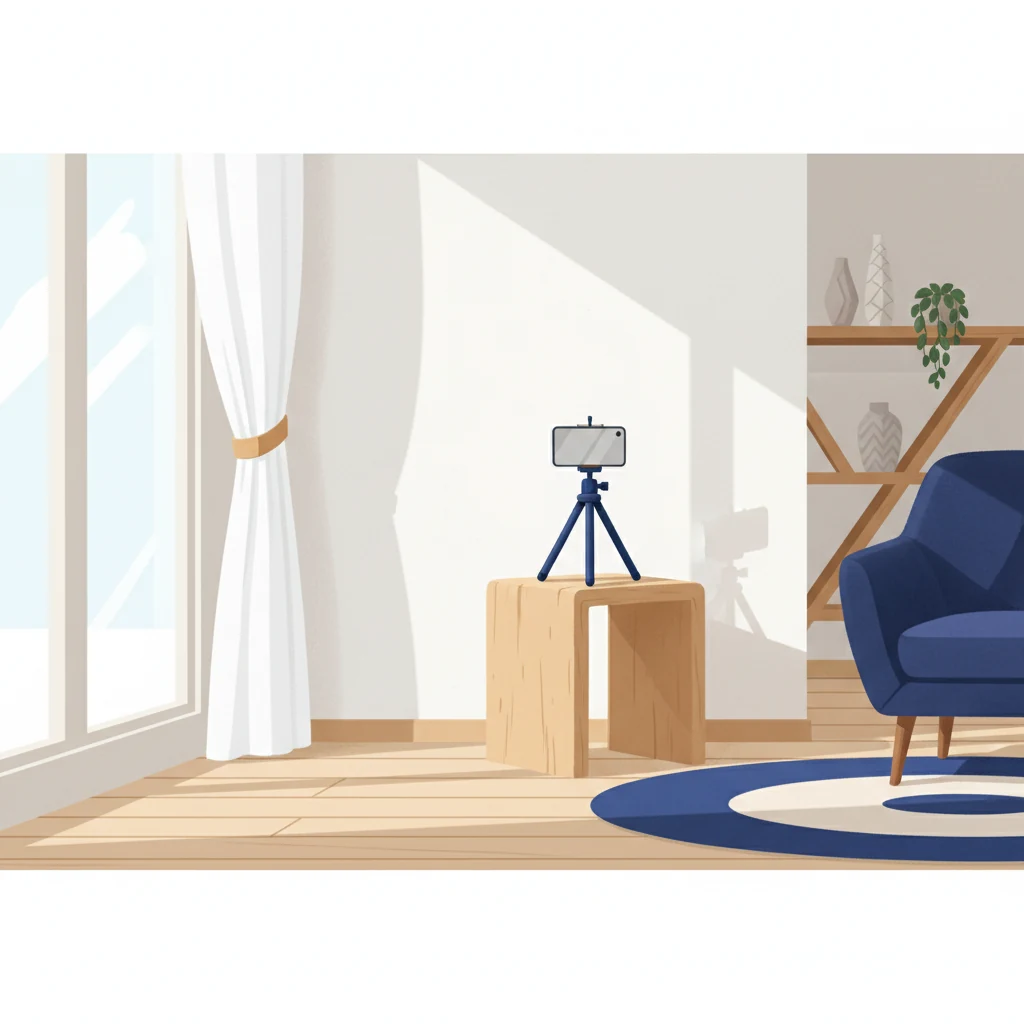
Heading to the pharmacy for a passport photo can be inconvenient and expensive. Did you know you can take your passport photo at home with just your smartphone and get a professional, compliant result in minutes? In this guide, we'll walk you through the process step-by-step, from setup to final submission.
Take Your Passport Photo at Home in Minutes
Skip the steps below if you're in a hurry. Snap a photo on your phone and our free tool removes the background, crops to official size, and checks compliance automatically.
Take Your Passport Photo at Home →Why Take a Passport Photo at Home?
There are several compelling reasons to take your passport photo at home instead of relying on a pharmacy or professional studio:
- Save money: Professional passport photos typically cost $15-25 at pharmacies. Taking one at home is essentially free.
- Convenience: No need to wait in line or schedule an appointment. Take your photo whenever you're ready.
- Unlimited retakes: Don't like the first shot? Try again as many times as you want until you get the perfect photo.
- Comfort: Take photos in familiar surroundings where you feel relaxed and natural.
- Privacy: No need to share your photo with a stranger before it's official.
What You'll Need
Before you start, gather these simple materials:
- Smartphone: Any modern phone with a decent camera will work. The built-in camera app is fine.
- Well-lit room: A room with access to natural light, such as near a window.
- Plain white background: A white wall, white sheet, or white poster board works perfectly.
- Mirror or second device: Optional but helpful to see yourself while positioning the phone.
- Tripod or stand: Optional. You can also use books or props to hold your phone steady.
Step-by-Step: Taking Your Passport Photo
1. Set Up Your Camera
Position your phone at approximately arm's length from your face, or about 12-18 inches away. If using a tripod, set it at eye level. Switch to portrait mode on your phone for better depth and focus. Most iPhones and Android phones have this in their camera settings or as a dedicated lens option. Portrait mode helps blur the background slightly, which creates a cleaner, more professional look.
2. Find Your Lighting
Lighting is critical for a great passport photo. Use natural light from a window whenever possible. Position yourself so light hits your face evenly, ideally facing the window slightly. Avoid harsh direct sunlight that creates strong shadows—overcast daylight or light filtered through a sheer curtain is ideal. If natural light isn't available, use a soft lamp or two lamps positioned at 45-degree angles from your face to minimize shadows.
3. Choose Your Background
A plain white background is essential for passport compliance. If you don't have a white wall, use a white sheet, white poster board, or white tablecloth hung behind you. Make sure the background is smooth and wrinkle-free. The background should completely fill the frame behind your head—no other objects, furniture, or clutter should be visible.
4. Position Yourself Correctly
Stand or sit directly facing the camera with your shoulders straight. Your face should fill most of the frame, with a small amount of space above your head. Keep your head straight and level—no tilting. Both ears should be visible. Your eyes should be looking directly at the camera, and maintain a neutral expression. A slight, natural smile is acceptable, but avoid laughing or grinning widely.
5. Take Multiple Shots
Take at least 10-15 photos from slightly different angles and with minor adjustments. This gives you options to choose from. Even small differences in head position or expression can affect how the photo looks. Use the burst mode on your phone to capture multiple shots quickly.
Common Mistakes to Avoid
Learning what not to do is just as important as knowing what to do:
- Shadows on the background: Your shadow falling on the background is a common issue. Position yourself further from the wall or adjust your lighting to prevent this.
- Smiling too much: Passport photos require a neutral expression. A natural, slight smile is fine, but avoid big grins or showing teeth excessively.
- Tilting your head: Keep your head perfectly straight and level. Even a slight tilt can cause rejection.
- Background not white enough: Cream, beige, or light gray backgrounds may be rejected. Use pure white only.
- Wearing glasses: Glasses are allowed in passport photos, but reflections and glare can cause issues. If possible, remove them for the photo. If you must wear them, angle them to avoid glare.
- Hair covering your face: Your entire face, both ears, and hairline should be visible and unobstructed.
- Colored or patterned clothing: Wear plain, solid-colored clothing (avoid white to stand out from the background).
After You've Taken Your Photo
Once you have your smartphone photo, use Passport Photo HQ to finalize it. Our tool handles the technical details:
- Background removal: We automatically remove any imperfect background and replace it with pure white.
- Auto-crop and composition: We crop and frame your photo to precise passport specifications, ensuring your face is centered and properly sized.
- Compliance check: Our AI verifies that your photo meets official passport requirements for all major countries.
- Professional finishing: We enhance contrast and clarity to create a polished, professional-looking result.
Simply upload your best smartphone photo to Passport Photo HQ, and we'll prepare it for submission in minutes.
Printing Your Passport Photo
After processing, you have several options for getting prints:
- Print sheet download: Download a printable sheet with multiple copies from Passport Photo HQ. Print it on standard photo paper at home or at a local print shop. (See our full passport photo printing guide for paper types and store options.)
- Pharmacy printing: Take your digital photo to CVS, Walgreens, or another pharmacy and ask for passport photo prints. They'll print the right size and quantity.
- Home printing: If you have a home photo printer and access to quality photo paper, you can print directly. Use 4x6 inch photo paper for best results.
Most countries require 2x2 inch photos, and you typically need 1-4 copies depending on the application. Our download sheet includes multiple copies to cover your needs.
Make Your Passport Photo Today
Take a smartphone photo at home and let Passport Photo HQ handle the rest. Get a professional, compliant passport photo in minutes.
Make Your Passport Photo at HomeFinal Tips for Success
- Relax: Your expression will look more natural and pleasant if you're not tense. Take a few deep breaths before shooting.
- Check the details: Before submitting, carefully review your photo for proper lighting, background, and expression.
- Try different times of day: Test your setup at different times to see when the lighting in your room looks best.
- Wear your usual look: Take the photo looking the way you normally do. Don't dramatically change your hair or appearance for the photo.
- Use a timer or selfie mode: If you don't have a tripod, set your phone on a timer and position it on a stack of books.
Taking a passport photo at home is easier than you might think. With proper lighting, a clean background, and correct positioning, you can create a professional photo that meets all official requirements—all without leaving your house. Upload your best shot to Passport Photo HQ, and we'll handle the rest.
Ready to Process Your Photo?
Upload your passport photo and let us ensure it meets official compliance standards.
Process Your Photo