Can you take passport photos
at home? Yes — free, in seconds.
Free AI passport photo maker — auto background removal, official-spec cropping, and a built-in compliance checker for over 20 countries. Download print-ready in seconds, no sign-up required.
Take a passport photo
Pick your country and document type, then upload a selfie. We do the rest.
Drop your photo here
or
JPG, PNG, or WebP · Max 10 MB · or paste from clipboard
Review your photo
Adjust framing if needed. We're verifying it against official spec.
Compliance Check
Your photo is ready
Choose your preferred format below. Both are free and watermark-free.
Single Photo
- check Optimized for online passport applications
- check High-resolution JPEG (300 DPI)
- check White background applied
Print Sheet (4×6)
- check Standard 4×6 inch (10×15 cm) print layout
- check Multiple exact-size passport photos
- check Cut marks for easy trimming
Tell us what worked or what didn't — we read everything.
A streamlined 3-step process
Our automated system handles the complexity, so you can focus on your destination.
1. Snap or Upload
Take a selfie with your phone or upload an existing photo. Any background is fine — we handle it.
2. Auto-Verify
AI removes the background, crops to the official spec, and checks your photo against compliance rules.
3. Download
Get a single digital photo or a 4×6 print sheet. Print at home or at any pharmacy for under $1.
Requirements by country
Every country has its own dimensions, background rules, and head-height specs. Pick yours to see the exact requirements before you start.
Beyond the photo tool
Avoid rejection, fix common mistakes, and learn the rules that matter for your country.
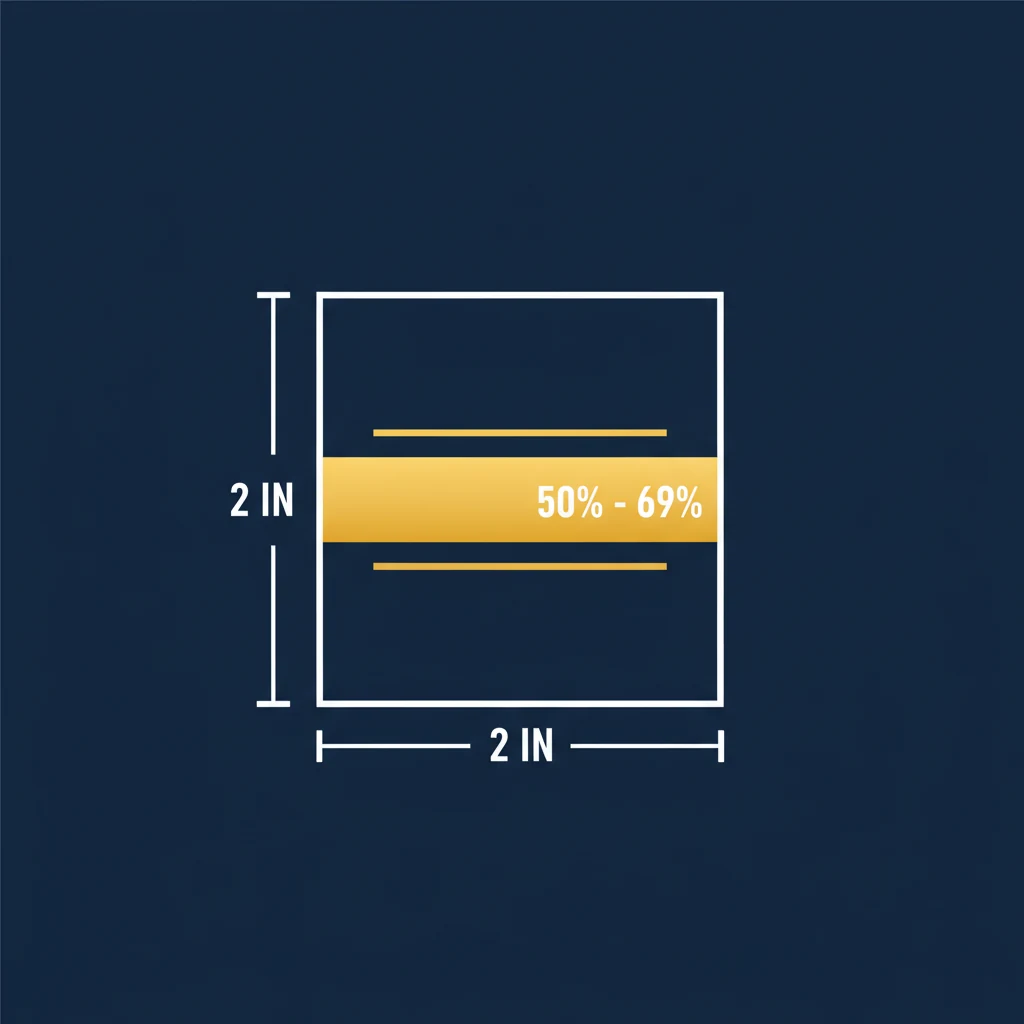
US Passport Photo Requirements: The Complete 2026 Guide
Everything you need to know about US passport photo size, dimensions, background, and head position requirements. Learn how to get a compliant photo from home.
Read the guide arrow_forward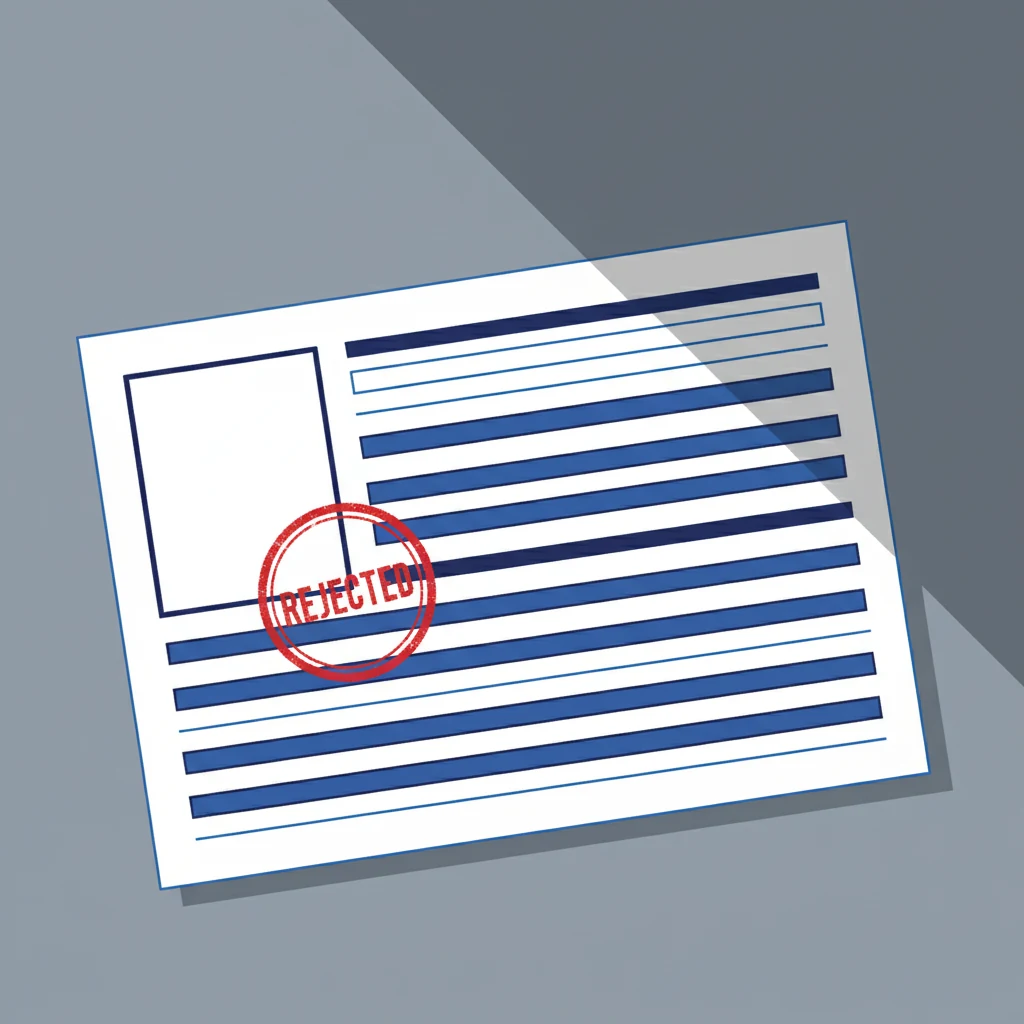
Passport Photo Rejected? How to Fix It Fast
Passport photo rejected? Here are the most common reasons photos get denied and exactly how to fix each one so your application goes through.
Read the guide arrow_forward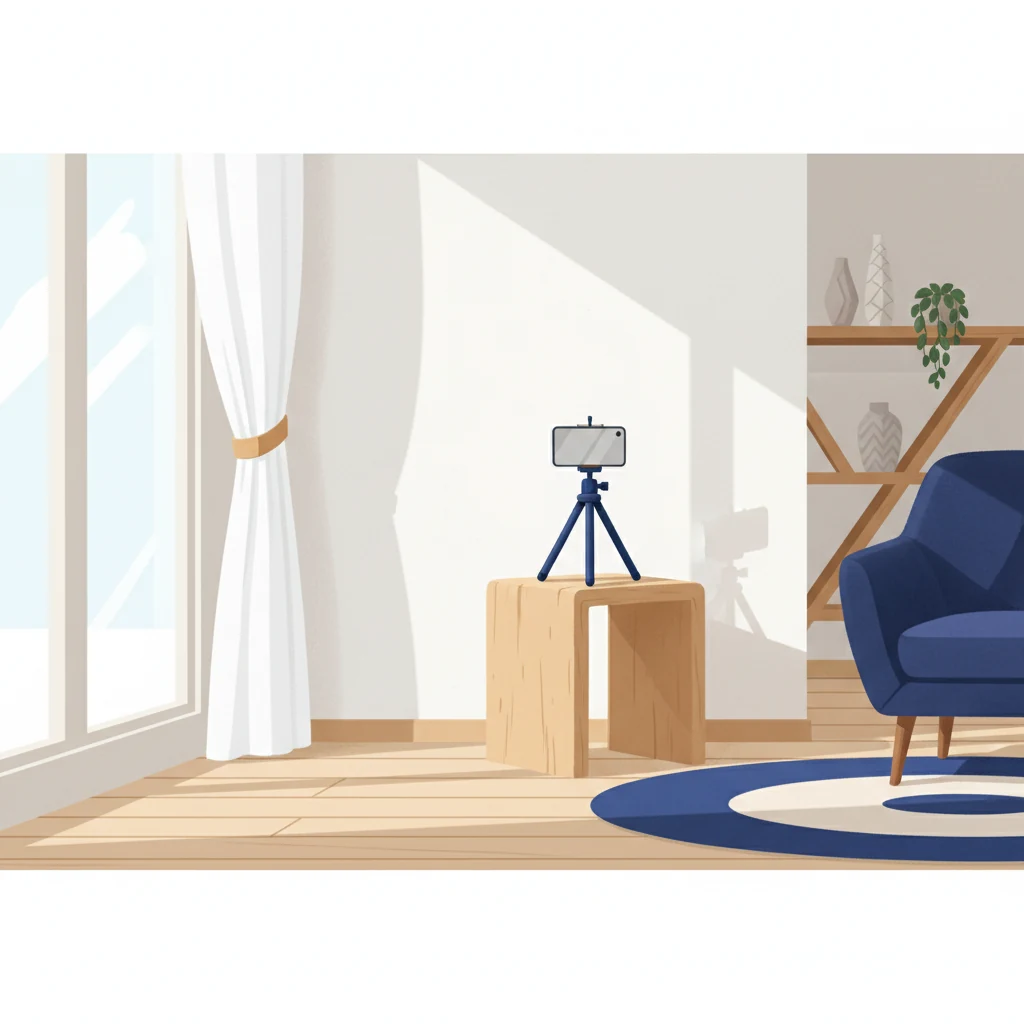
How to Take a Passport Photo at Home (Step-by-Step)
Skip the pharmacy. Learn how to take a perfect passport photo at home using your smartphone, with tips for lighting, background, and framing.
Read the guide arrow_forwardCommon questions
Quick answers to the things most people want to know before starting.